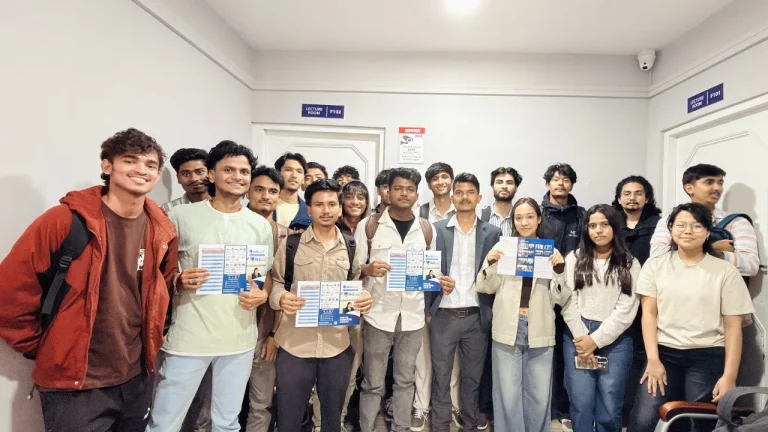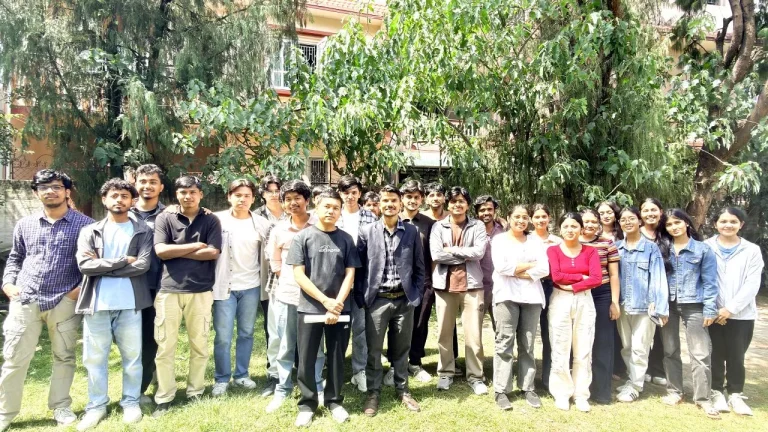
10-Day AI Content Creation Bootcamp at CAMAD College
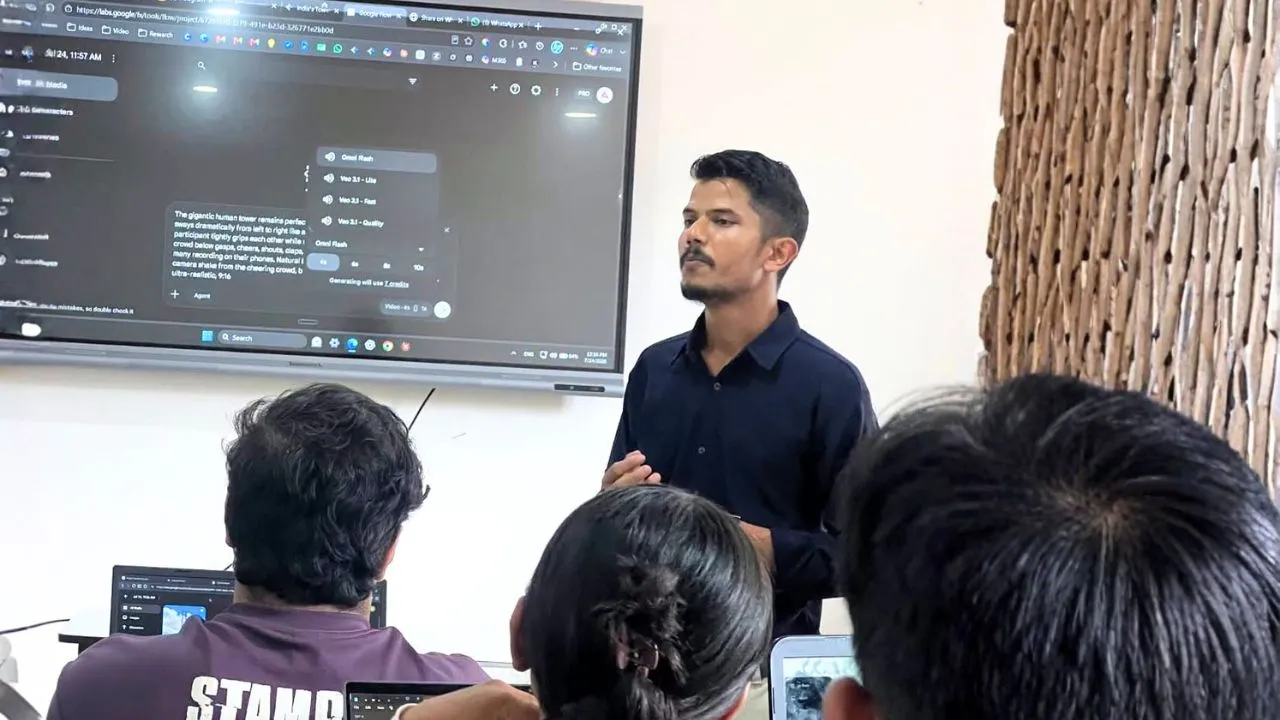
A finished video advertisement brings several skills together: research, an idea, a script, visuals, sound, and a clear message. Learning how to generate one image or clip is useful, but connecting those pieces is where a complete creative project begins.
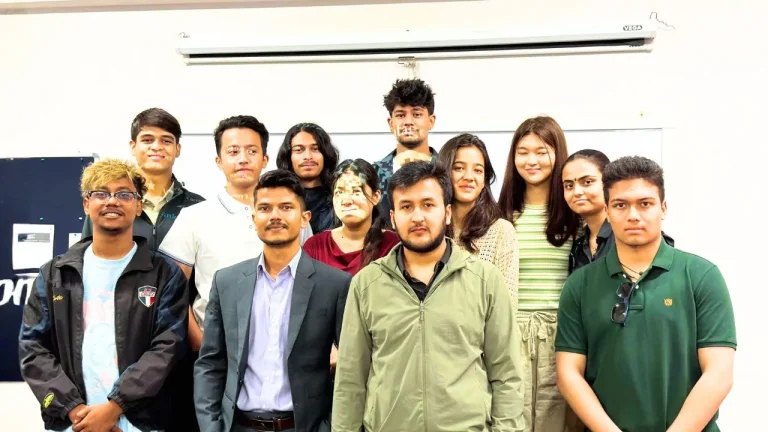
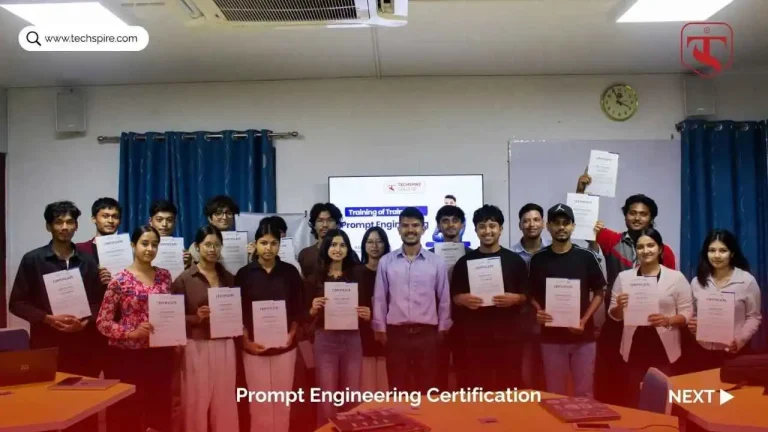
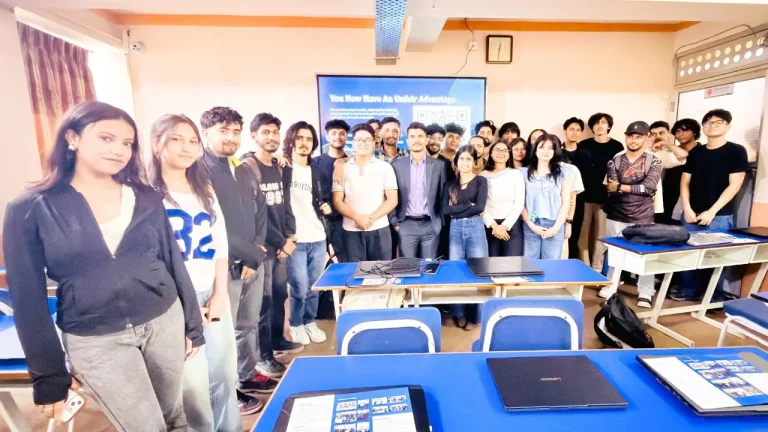
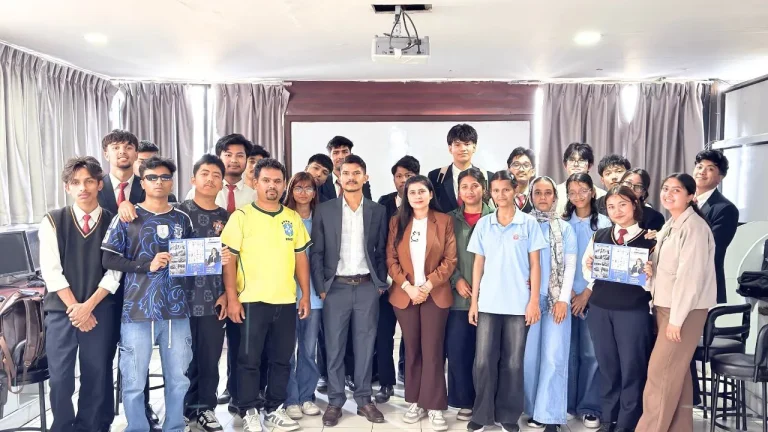
That was the direction of the 10-day AI content creation bootcamp at CAMAD College, which I conducted in association with Skill Spark. The AI Creative Masterclass introduced bachelor-level students to a practical process, from writing prompts to completing creative work.
Alongside the original syllabus, I added a stronger focus on AI video generation, UGC-style advertisements, and AI influencers. The bootcamp ended with completed student projects, including video ads that brought different parts of the learning together.
This article explains the ten-day learning sequence, why each part matters, and how students, professionals, and business owners can apply similar skills.
What does generative AI content creation involve?
Generative AI content creation uses AI tools to help produce material such as text, images, audio, and video. The creator still decides the purpose, supplies relevant information, selects useful outputs, and checks the final result.
For a video advertisement, that can mean moving from an audience brief to a script, then developing visuals, voiceover, and an edited sequence. A convincing individual asset does not automatically make a convincing advertisement.
The bootcamp connected these activities rather than treating every tool as a separate subject. Prompting supported research and production; storytelling helped organise the material; the final project brought those decisions into one piece of work.
Inside the 10-day AI Creative Masterclass at CAMAD College
The following sequence reflects the course syllabus. The practical notes explain how readers can approach each skill; they are not claims that every participant produced every possible output listed.
Day 1: Prompt engineering fundamentals
We began with effective prompting, including role-based instructions and iterative refinement. The syllabus also included building a personal prompt library that students could reuse across projects.
- Define the task and provide relevant context.
- Explain the intended audience and output format.
- Review the response and refine the request.
A useful prompt is not necessarily a long one. It gives enough direction to make the output assessable, such as asking for a short product-video script for a specific audience rather than simply requesting “an advertisement.”
Day 2: AI for content research and idea generation
The research component covered audience insights, competitor analysis, and developing content ideas with tools such as Gemini, Perplexity, and Claude. Research gave the creative work a starting point before production began.
- Identify questions the intended audience may have.
- Explore different angles for a topic or product.
- Separate research findings from ideas that still need testing.
When applying this skill, verify important claims against original sources. An AI-generated statement about a trend or customer preference should not be treated as evidence simply because it sounds confident.
Day 3: Image generation and visual design
This part of the syllabus covered posters, social media graphics, product imagery, and consistent visual presentation. Tools listed for the work included Canva, Gemini, and Leonardo.ai.
- Describe the subject, setting, lighting, and composition.
- Keep colours and visual style consistent with the brief.
- Review generated details before including an image in a project.
For product content, accuracy matters as much as appearance. A visually attractive image is not usable if it changes the packaging, label, colour, or shape of the product being advertised.
Day 4: AI video generation and image-to-video production
Video production was a major focus of the bootcamp. The syllabus covered turning text and still images into short films, Reels, and storytelling videos, with additional attention given to AI-generated advertising content.
- Plan what should happen in a shot.
- Describe subject movement and camera movement clearly.
- Connect individual clips with the intended story.
For further practice, start with a short, manageable scene rather than a complicated sequence. Check whether faces, products, backgrounds, and movement remain consistent throughout the generated clip.
Day 5: Scriptwriting and storytelling with AI
The storytelling component covered YouTube scripts, opening hooks for Reels, short stories, and dialogue. It connected the visual work with a message and a sequence the viewer could follow.
- Introduce a clear idea or problem.
- Develop the message without unnecessary filler.
- Write spoken lines that sound natural.
Read a draft aloud before producing the video. A sentence that looks impressive on a page may be difficult to speak or too long for the available screen time.
Day 6: AI music and audio production
The audio syllabus included music, background tracks, voiceovers, and podcast-style content, with tools such as Suno and Udio listed for exploration. Audio provided another part of the complete creative process.
- Choose an audio style that supports the message.
- Consider the relationship between voice, music, and visuals.
- Check clarity and pronunciation before publication.
For content aimed at Nepali audiences, review names, local expressions, and spoken language carefully. Before commercial use, also check the relevant tool’s current usage terms and any permissions needed for supplied voices or source material.
Day 7: AI-generated ads and marketing content
The advertising module brought the earlier skills into promotional content aimed at Nepali audiences. I expanded this area with UGC-style ads and AI influencers alongside AI video generation.
- Connect a product or service with a relevant audience need.
- Develop a focused promotional message.
- Combine script, visuals, and audio into an advertisement.
The syllabus addressed persuasive content, but “high-converting” is an objective, not an automatic result. An advertisement’s effectiveness needs to be tested with real audience behaviour rather than assumed from its production quality.
Day 8: No-code website and app building with AI
The course also introduced AI-assisted building through tools such as v0 and Bolt.new. The syllabus included a personal portfolio, landing page, or simple functional tool as possible project directions.
- Describe the page or tool’s purpose clearly.
- Identify the essential content and interactions.
- Test the result rather than judging it only by appearance.
A generated page can be a starting point, but it still needs review. Check mobile layouts, links, forms, and any handling of user information before making it public.
Day 9: AI for business strategy and productivity
This part connected creative skills with business ideas, content calendars, personal branding, and early side-project concepts. PDF summarisation and professional presentation building were also included.
- Organise ideas into a practical plan.
- Turn source material into a useful summary or presentation.
- Consider how content supports a wider goal.
AI can help structure a business idea, but it cannot establish demand by generating an enthusiastic assessment. Conversations with potential customers and small practical tests remain important.
Day 10: Capstone project and showcase
The final day was designed to bring the learning together through a complete creative project, presentation, and feedback. At CAMAD, students completed projects that included video advertisements.
This is the clearest outcome to highlight: students moved beyond isolated experiments and produced finished work. I am not attaching unverified view counts, sales figures, or claims of viral reach to those projects.
A completed project gives a learner something concrete to discuss: what they were trying to communicate, which choices they made, and what they would improve next.
The added focus: UGC-style ads and AI influencers
UGC-style advertising borrows the informal, creator-led presentation associated with user-generated content. In this bootcamp, it offered another format for exploring AI-assisted promotional video.
The distinction between style and evidence matters. A synthetic presenter is not a real customer, and an AI-generated testimonial should not be presented as somebody’s genuine experience.
What makes an AI influencer concept useful?
An AI influencer is a synthetic character used to present content. A useful concept needs more than a visually appealing face: it needs a clear purpose, consistent presentation, and a message suited to its audience.
For readers trying this format, decide what role the character serves before generating content. Make synthetic content clear where viewers could otherwise mistake it for a real person or endorsement.
What about viral-style video ads?
We explored attention-grabbing short-form advertising, but an engaging format does not guarantee viral distribution. A strong opening should lead into a useful message, not make a promise the rest of the video cannot support.
Evaluate the finished work against its purpose. Views may matter for awareness, while relevant enquiries or completed actions may matter more for a business campaign.
How these skills can be useful in Kathmandu and across Nepal
The CAMAD bootcamp was designed for students, but the learning process has applications for professionals and business owners too. The examples below are illustrative uses, not claims about participating organisations or local hiring demand.
For college students
A student can use these skills to explain a project, create an awareness video, or prepare a portfolio presentation. For an engineering or management student, the value lies in making the work understandable as well as visually clear.
Keep student projects labelled as practice work. Explain your contribution honestly, including how AI was used and what you reviewed or changed yourself.
For working professionals
A professional might apply the same process to an internal presentation, a short explainer, or a content calendar. Start with a recurring task where the output can be reviewed and compared with the existing approach.
Time saved is useful only if quality is maintained. Check whether the result is accurate, appropriate for the audience, and worth the effort required to correct it.
For business owners
For example, a café in Jhamsikhel could draft a menu video using its actual prices and product photos. A service business in Tinkune could plan a short explainer answering a common customer question.
These examples do not require fabricated testimonials or exaggerated claims. Local language, accurate details, and a clear next step can make the content more relevant than adding visual effects alone.
A practical checklist for reviewing an AI content project
Before adding a project to a portfolio or publishing it, review the complete piece rather than only its strongest frame.
- Purpose: Can a viewer identify the main message?
- Accuracy: Are names, product details, prices, and claims correct?
- Consistency: Do characters, products, and visual style remain coherent?
- Audio: Is speech understandable, with suitable pronunciation and volume?
- Readability: Can the text be read comfortably on a phone?
- Permissions: Have you checked rights and consent for the material used?
- Transparency: Could synthetic content mislead the viewer?
- Next step: Does the call to action match the purpose?
This is also a useful framework for peer feedback. Instead of only asking whether someone likes a video, ask which part of the message was clear and which part needs work.
Questions about AI content creation training
Do I need coding experience for this type of bootcamp?
The creative syllabus was designed for bachelor-level students and included no-code approaches. Writing prompts, planning content, and producing visual material do not require the same preparation as developing an AI application.
Technical knowledge can become useful for more complex projects, but it should not be confused with a prerequisite for beginning creative work.
Can I use only free AI tools?
Access requirements depend on the selected tools and exercises. Check current generation limits, export options, watermarks, and usage terms before choosing a workflow or paying for a subscription.
For a future training session, discuss required accounts and access in advance rather than assuming that every feature is free.
Does a ten-day course make someone an expert?
A ten-day program provides structured practice and an opportunity to finish a project. It is a foundation for further work, not a guarantee of expertise, employment, freelance income, or advertising performance.
Continued practice and honest review of completed projects matter after the course ends.
Is this the same as learning AI development?
No. This bootcamp focused on applying AI to creative work, presentations, and related practical tasks. Building and deploying AI systems is a different learning path with its own technical requirements.
Can a college or organisation request a similar program?
Yes. Share the audience, current experience level, available time, and the kind of project you want participants to work toward. The training scope can then be discussed around those needs.
Thank you to CAMAD College and Skill Spark
Thank you to Santosh Adhikari Sir and the CAMAD College team for their support. I also appreciate Skill Spark for collaborating on the bootcamp.
View the CAMAD College bootcamp post on Facebook.
The most meaningful part of the program was bringing the skills into completed work. Prompting, research, visuals, video, and audio became parts of a project rather than separate topics on a course outline.
Plan an AI content creation program for your group
If your students or team want to learn through practical projects, explore my AI content creation training in Nepal.
Contact me to discuss a bootcamp and request the syllabus. Share your group’s background and the skills you want to develop so we can discuss a suitable format.
For independent practice, you can also browse my AI prompts and learning resources.